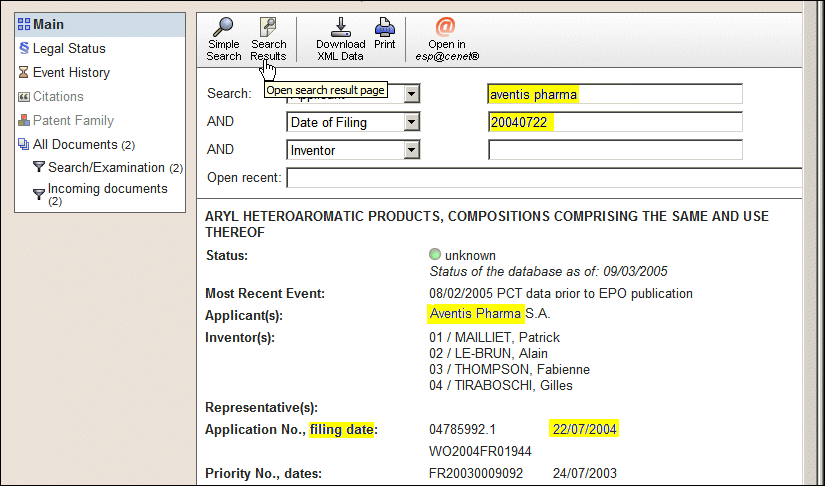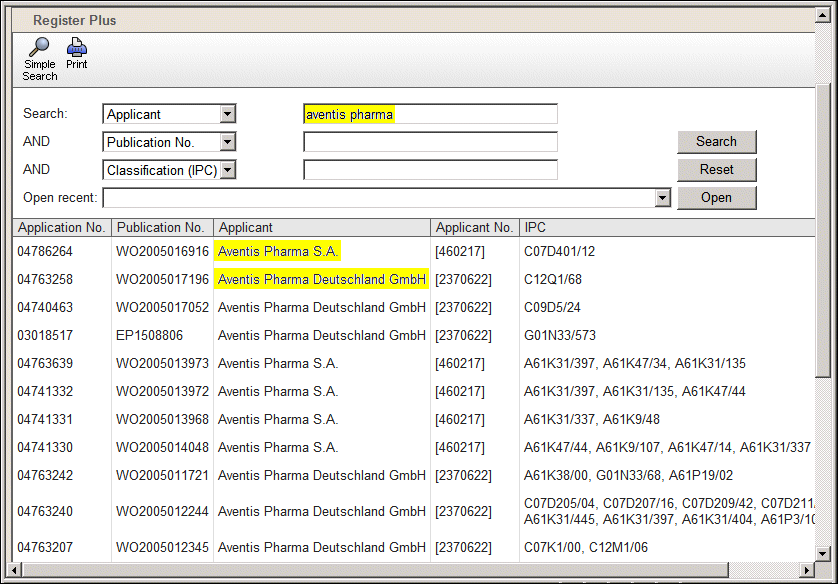
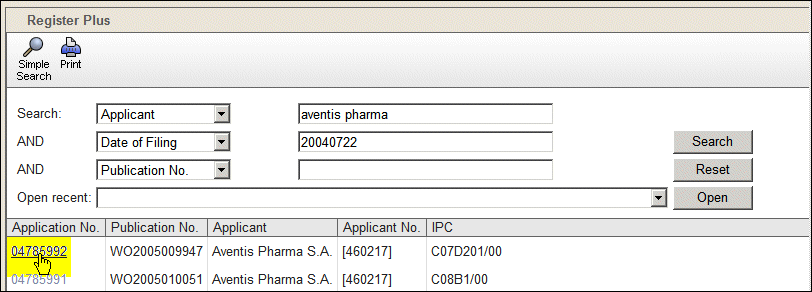
The Search category Applicant is selected and "aventis pharma" is entered. Only items matching both "aventis" AND "pharma" are found. In this case the system includes AND automatically so you do not need to type it.
Dates are entered in the format YYYYMMDD, without punctuation. To find applications filed for Aventis Pharma in 2004 we select the AND category Date of Filing and type in the year. Five pages of matching items are found.
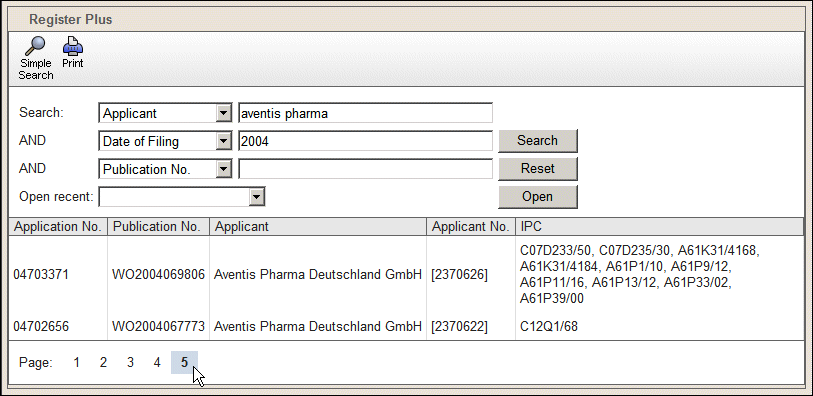
To reduce the number of items, we specify the month as well as the year. The month must be two digits, so for July we enter a leading "0".

To reduce the number of items still further we enter the day as well. In our example two results are found matching the filing date 22 July 2004.
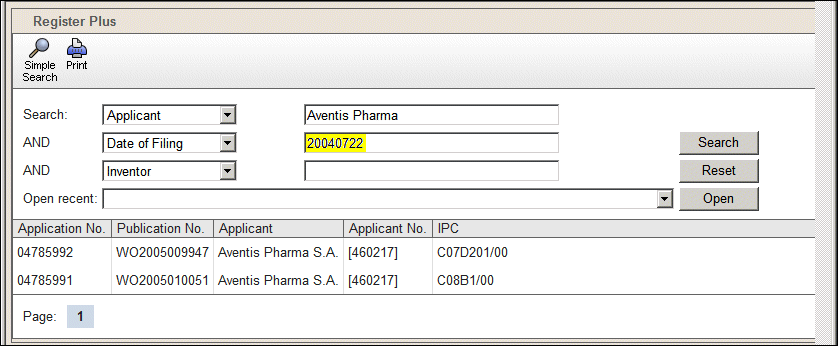
To see the details for an item we click the link in the Application No. column.
The Data View opens, displaying the information for the selected application number. To return to the list of items, click Search Results.